After a quote goes out
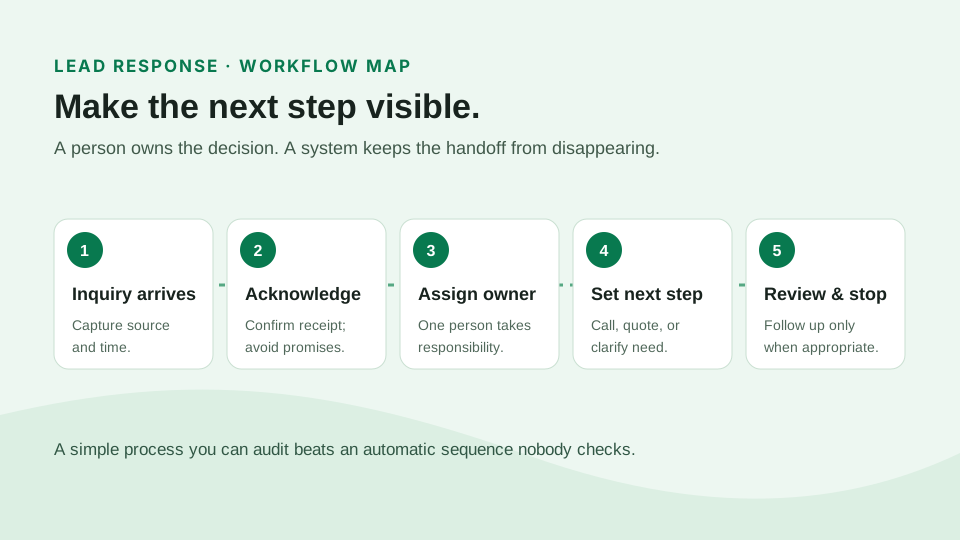
The easiest follow-up to miss is the one no one owns. Set a clear quote stage, decide who will respond to questions, and schedule a short check-in if the prospect has not replied. An email can offer to walk through deductibles or coverage choices; a task can prompt the producer to call when a reply needs context.
Before turning on a sequence, check that a bound policy or declined quote stops further sales messages. Nobody wants a “still interested?” note after they have already made a decision.
When a service request comes in
An acknowledgement tells a client their request reached the agency. It does not mean the policy has changed. Let the assigned person handle the endorsement or other transaction, then send a confirmation only after the work is complete. Make it easy to see who has the next action and when to follow up if it is still open.
Before a policy renews
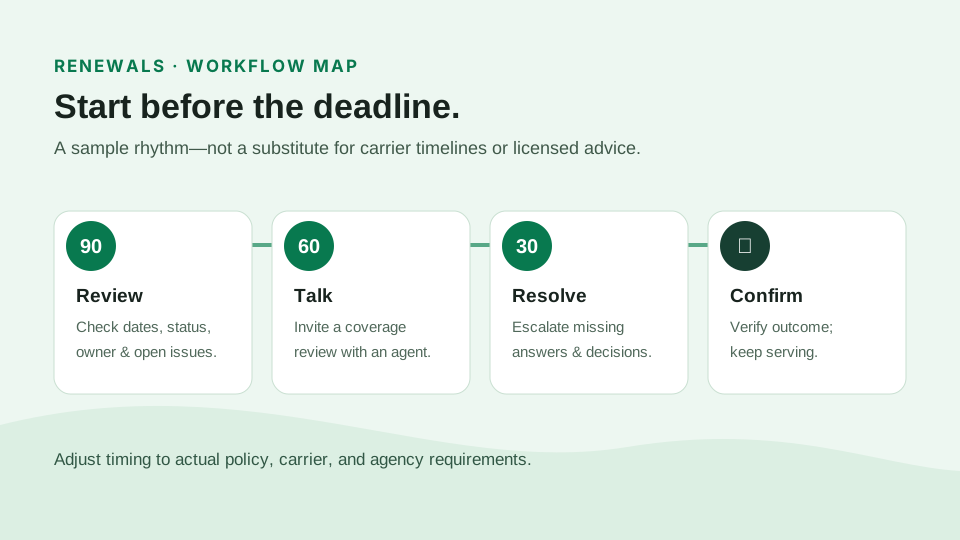
Use the expiration date to start a conversation early enough for a review. Ask about drivers, property changes, or business operations that might affect coverage. If a client needs advice, create a task for an agent rather than trying to answer a coverage question with a template. For a fuller sequence, read the renewal follow-up guide.
Review before you send. Check contact permission, message wording, timing, and who will receive replies. Do not promise coverage, a rate, or a completed policy change in an automated message. The examples on this page are workflow guidance, not legal or compliance advice.
Start small and measure what matters
Better Agency's homepage describes ready-to-use campaigns for sales, service, and renewals. You do not need to activate everything at once. Pick one recurring task, review the message in your agency's voice, and make sure replies reach a real person. Then look for missed handoffs or confusing messages before adding another sequence.
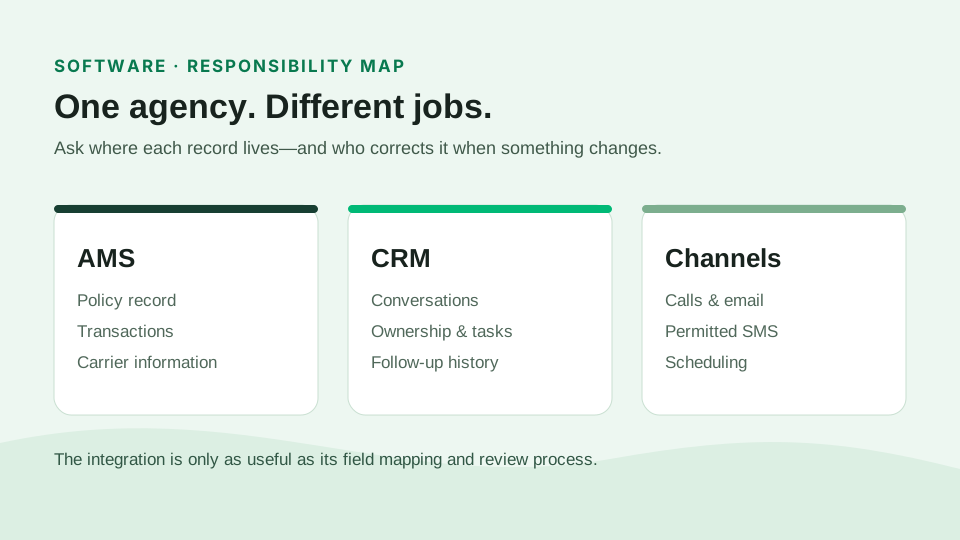
Automations are part of the wider CRM workflow; they do not replace the AMS policy record. If you're weighing a new tool, the CRM-versus-AMS explanation is a useful starting point.